Skill Search & Discovery
Overview
SkillHub provides powerful full-text search functionality, enabling users to quickly find the skill packages they need.
Search supports not only keyword matching but also multi-dimensional filtering and sorting by namespace, tag, downloads, rating, and more.
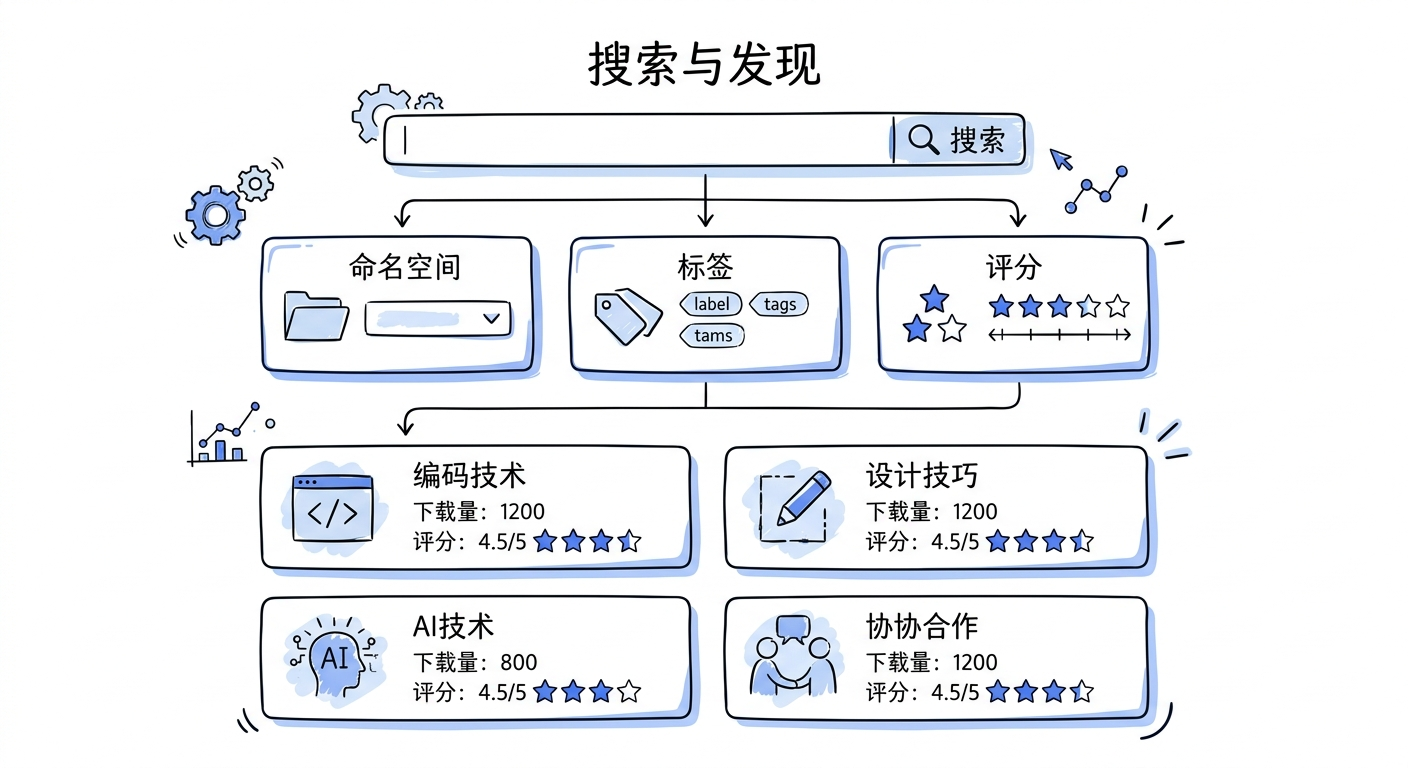
Core Features:
- Full-text Search: Search skill package names, descriptions, tags, authors
- Smart Filters: Filter by namespace, tag, visibility
- Multiple Sorting: Sort by relevance, downloads, rating, update time
- Permission-aware: Only show skill packages user has access to
- Real-time Updates: Newly published skill packages appear immediately in search results
Search Algorithm:
SkillHub uses PostgreSQL full-text search, supporting:
- Chinese and English word segmentation
- Fuzzy matching
- Weighted ranking (title weight > description weight > tag weight)
Use Cases
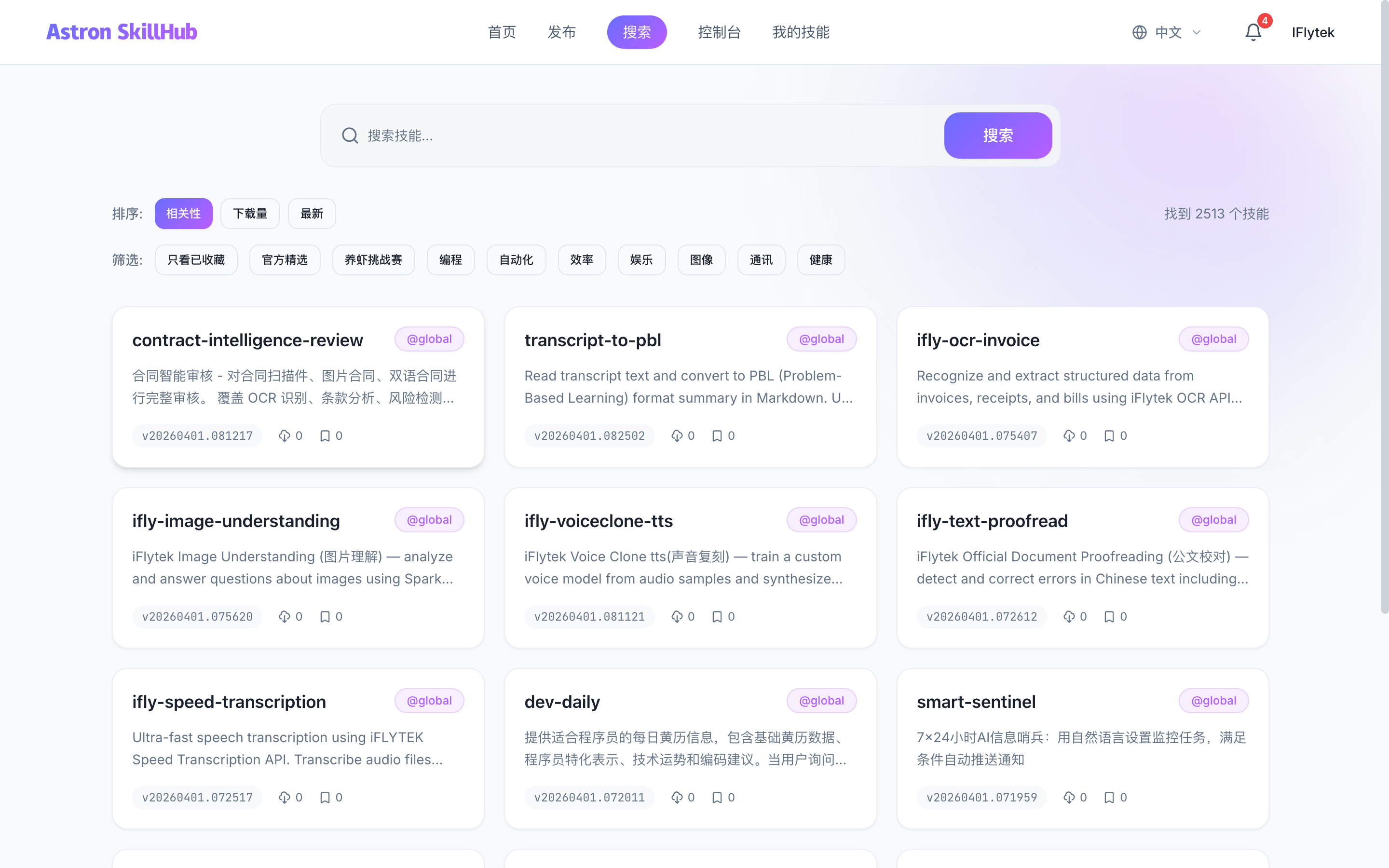
Case 1: New Member Exploration
New developer joins the team and wants to know what skill packages are available.
Case 2: On-Demand Search
Developer needs a PDF processing skill package, searches for "pdf" keyword.
Case 3: Browse Popular
View skill packages with highest downloads and best ratings in the team, learn best practices.
Case 4: Filter by Tag
Only view skill packages with data-processing tag.
Steps
Using CLI to Search and Install (Recommended)
# Configure registry
export CLAWHUB_REGISTRY=http://localhost:8080

# Search skill packages
npx clawhub search pdf

# Install skill package
npx clawhub install pdf-parser

# Install skill package from specific namespace
npx clawhub install my-team--pdf-parser
Using Web UI to Search
- Access Search Page
Visit http://localhost:3000/search or use the search box on the homepage.
- Enter Keywords
Enter keywords in the search box, e.g., "pdf parser".
- Apply Filters
- Select namespace (e.g., only
iflyteknamespace) - Select tag (e.g.,
data-processing) - Select sort order (e.g., by downloads descending)
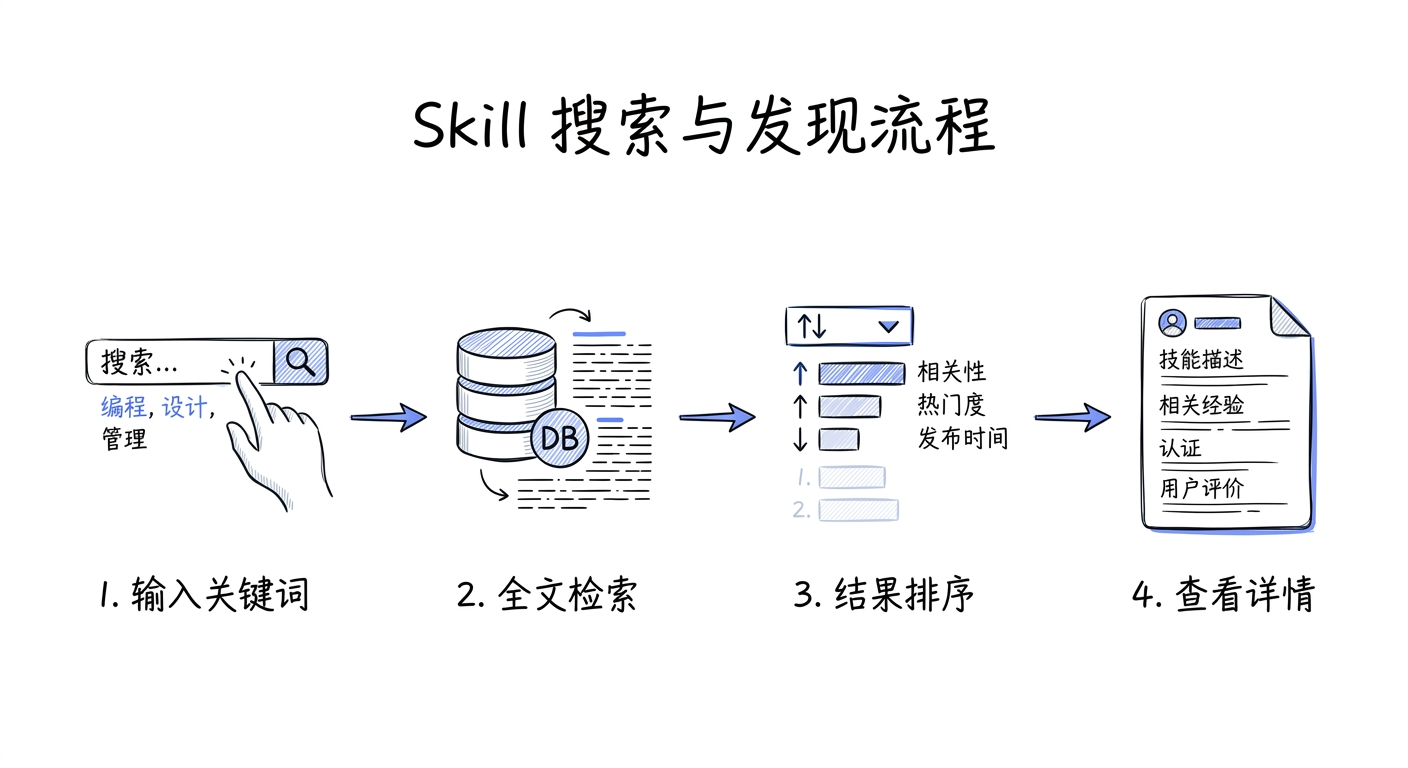
- View Results
Search results update in real-time, showing matching skill package list.
- View Details
Click skill package card to view detailed information, version history, file list.
- Install
After finding the right skill package, use CLI command to install or click "Download" button.
API Reference
Search Skill Packages:
GET /api/web/skills?q=pdf&namespace=iflytek&label=data-processing&sort=downloads&page=0&size=20Parameter Reference:
| Parameter | Type | Description |
|---|---|---|
| q | string | Search keyword (optional) |
| namespace | string | Namespace filter (optional) |
| label | string[] | Tag filter (optional, multiple allowed) |
| sort | enum | Sort by: relevance, downloads, rating, updated |
| page | number | Page number (starts from 0) |
| size | number | Page size (default 20, max 100) |
Response Example:
{
  "content": [
    {
      "id": "skill-123",
      "namespace": "iflytek",
      "slug": "pdf-parser",
      "name": "PDF Parser",
      "description": "Extract text and metadata from PDF files",
      "downloads": 1234,
      "rating": 4.5,
      "starCount": 56,
      "latestVersion": "1.2.3",
      "updatedAt": "2026-03-15T10:30:00Z",
      "labels": ["data-processing", "pdf"]
    }
  ],
  "totalElements": 42,
  "totalPages": 3,
  "number": 0,
  "size": 20
}
Notes
Permission Control: Search results are automatically filtered by user permissions. PRIVATE skill packages are only visible to namespace members, INTERNAL skill packages are only visible to logged-in users.
- Search Performance: SkillHub uses PostgreSQL full-text search with Chinese and English word segmentation
- Real-time Updates: Newly published skill packages appear immediately in search results
- Tag Convention: Recommend using consistent tag naming conventions for easier filtering
- Search Suggestions: Supports search suggestions and autocomplete (frontend implementation)