Skill Publishing & Version Management
Overview
Skill publishing is the core feature of SkillHub. Developers can upload locally developed Agent skill packages to the registry with one click. The system automatically handles version management, metadata extraction, and file indexing.
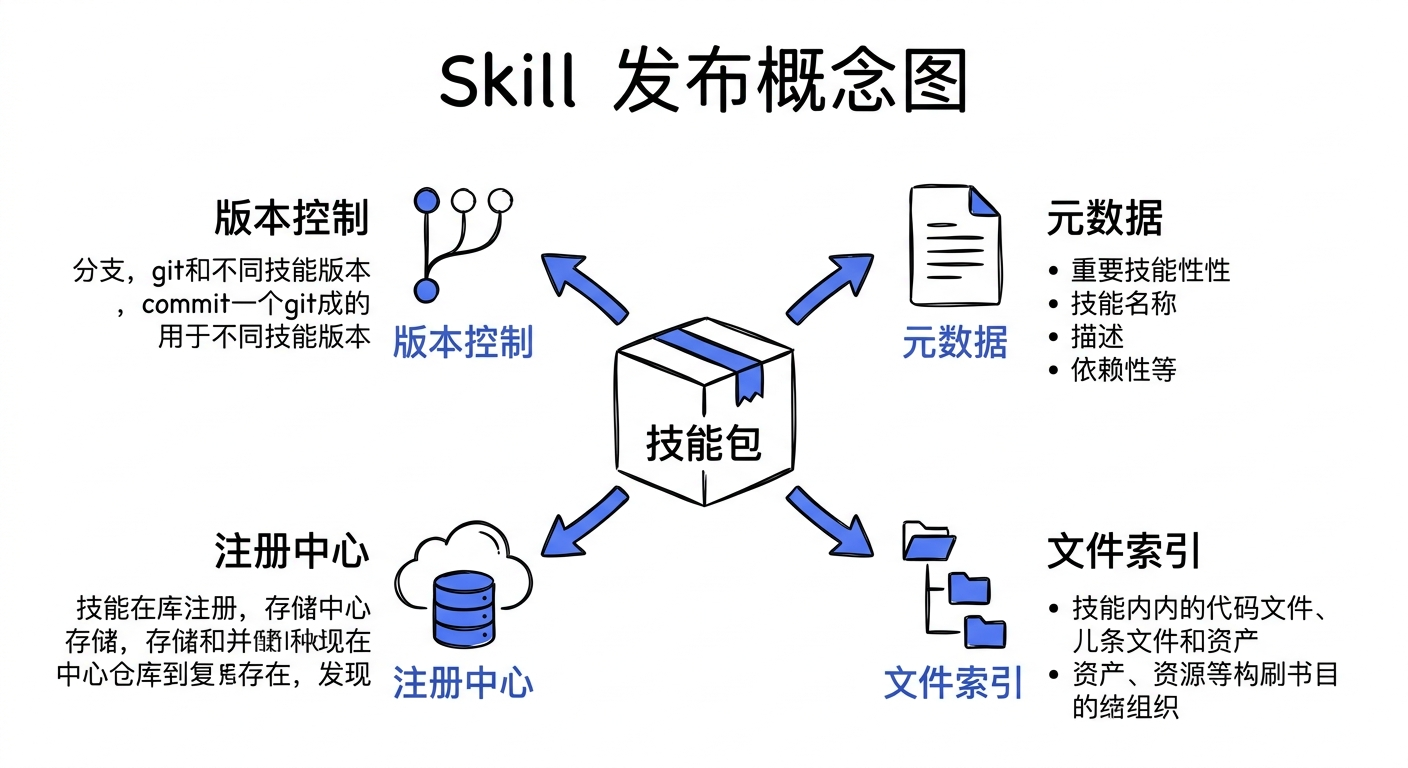
Problems Solved:
Traditionally, team members distribute skill packages through Git repositories or file sharing. This approach has several pain points:
- Version Chaos: Different versions scattered everywhere, hard to track
- Permission Control Lost: Cannot finely control who can access which skill packages
- Discovery Difficulty: New members don't know what skills are available
SkillHub provides an npm-like publishing experience with enterprise-grade permission control and review mechanisms.
Core Features:
- Semantic Versioning: Supports
major.minor.patchversion specification - Tag System:
latest,beta,stableand custom tags - Multi-version Coexistence: Same skill package can retain multiple historical versions
- Version Resolution: Smart parsing of version selectors (e.g.,
^1.2.0,~2.0.0) - File Browsing: Browse skill package file structure online
- Download Distribution: Download by version or tag
Use Cases
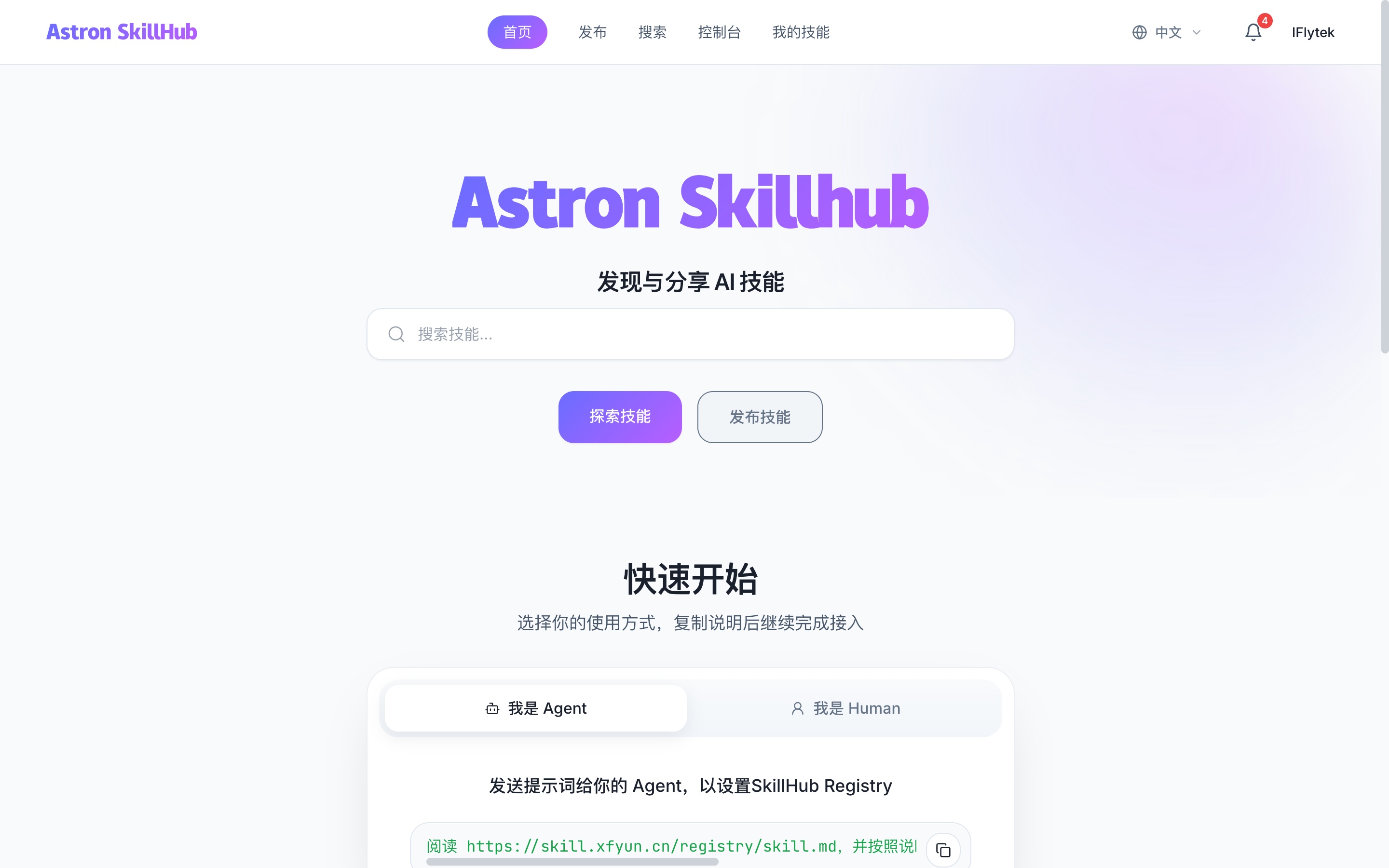
Case 1: Developer Publishes New Skill
You just completed a Claude Code skill package and want other team members to use it.
Case 2: Version Iteration
Skill package needs bug fixes or new features, publish new version while maintaining backward compatibility.
Case 3: Beta Testing
New features are not stable yet, publish with beta tag for limited testing before promoting to latest.
Case 4: Version Rollback
New version has serious issues, need to point latest tag to previous stable version.
Steps
- Prepare Skill Package
Prepare a skill directory with SKILL.md at its root:
- Put both YAML frontmatter and the skill instructions in
SKILL.md. - The frontmatter must contain
nameanddescription. Setversionthere when you need an explicit version. package.jsondoes not supply or replace this skill metadata.- Keep the package structure clear and exclude sensitive information.
For example, save this as my-skill/SKILL.md:
---
name: my-skill
description: Summarize a short text as numbered steps.
version: 1.0.0
---

Summarize the supplied text as numbered steps.
When packaging an existing skill, keep its required scripts, references, agents/ metadata, and license files together. Pass that skill directory (./my-skill in this example) to the publish command below.
To show a human-readable or localized title in lists, search results, and detail pages, add the optional metadata.display-name field:
---
name: example-skill
description: An example skill for demonstration.
metadata:
  display-name: 示例技能
  version: "1.0.0"
---
name still determines the slug, installation coordinate, and links. The display name must be a string of at most 200 characters after trimming surrounding whitespace. Missing, null, or blank display names fall back to name. Titles follow the version's review lifecycle: an update awaiting review does not replace an existing published title. No database migration is needed; existing skills can keep their name and publish a new version with this optional metadata.
On the web publish/update form, upload a package and edit Display name. The package's metadata.display-name (or name) pre-fills the field. Your edits take precedence and survive selecting another package; leave it blank to use the package title. The name is limited to 200 characters and follows this version's review. Avatar-only updates cannot rename a skill.
My Skills shows the pending update's title and summary with one main status and a plain-text comparison to the published version. Open the card to preview that update; public readers still see the published version. Details always show the copyable @namespace/slug; renaming does not change links or install identifiers.
Web names are stored in platform version metadata without rewriting SKILL.md or other package files. Downloads use the existing ZIP repackaging process, so compressed archive bytes may differ. CLI publishing keeps using package metadata. Approval, rollback after yanking, and promotion use the corresponding version's name and summary.
- Publish via CLI (Recommended)
# Configure the SkillHub registry
export SKILLHUB_REGISTRY=http://localhost:8080
export SKILLHUB_TOKEN=YOUR_API_TOKEN

# Publish to default namespace
npx @astron-team/skillhub@latest publish ./my-skill

# Publish to specific namespace
npx @astron-team/skillhub@latest publish ./my-skill --namespace my-team
The ClawHub CLI publish and sync protocols are not compatible with SkillHub. Use the SkillHub CLI above for publishing.
- Publish via Web UI
Visit http://localhost:3000/dashboard/publish, select namespace, upload zip file, choose visibility, and click "Publish".
- Publish via REST API
POST /api/v1/skills/{namespace}/publish
Content-Type: multipart/form-data

file: skill-package.zip
visibility: PUBLIC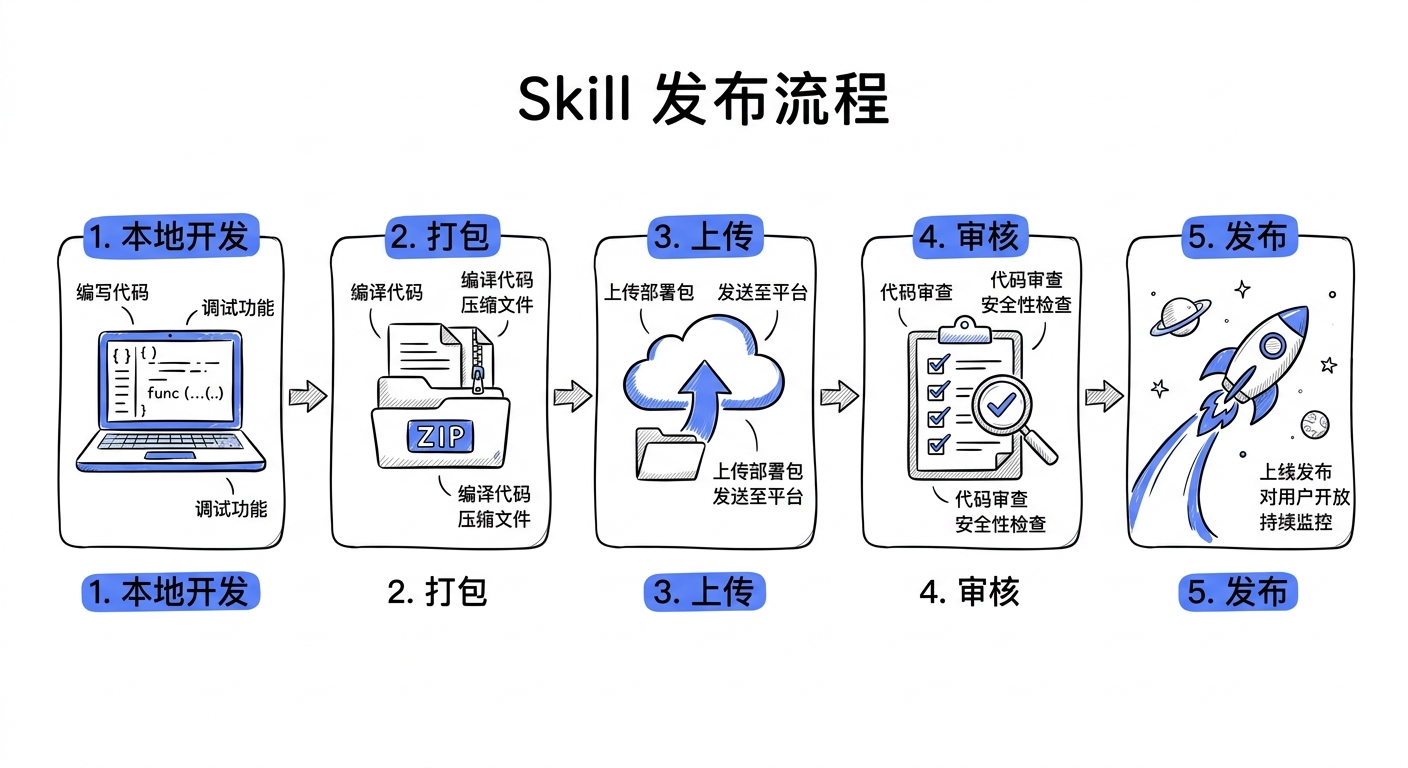
- Security Scan
After publishing, Skill Scanner automatically scans the skill package for potential security risks. Results appear on the skill package detail page.
- Wait for Review (if namespace has review enabled)
Team admins receive review notifications and approve skill packages for official release.
- Publish Success
Skill package can be discovered through search, others can download via CLI or Web UI.
Compliance Declarations
Skill authors can add x-astron-compliance to the SKILL.md frontmatter to declare how a skill version maps to compliance standards, controls, or security knowledge-base entries.
---
name: incident-response-helper
description: Helps analysts draft incident response steps.
x-astron-compliance:
  - standard: mitre-attack
    version: "v19.1"
    controlId: T1059
    title: Command and Scripting Interpreter
    evidence:
      - type: packaged-file
        path: references/mitre-t1059.md
      - type: external-url
        url: https://attack.mitre.org/techniques/T1059/
---
Important boundaries:
- This is an author declaration, not a SkillHub endorsement or third-party certification.
- SkillHub validates the structure, duplicate mappings, packaged evidence paths, and external URL format.
- After publishing, the declaration is normalized into the version-level
complianceSnapshotwith a stabledigest. - Review pages show the diff when a later version adds, removes, or changes compliance declarations.
- Searching for
mitre-attack,T1059, or the declaration title can discover the matching skill.
Field reference:
| Field | Required | Description |
|---|---|---|
standard | Yes | Standard or framework identifier, such as mitre-attack, nist-csf, or soc2 |
version | Yes | Standard version |
controlId | Yes | Control, technique, or clause ID |
title | No | Human-readable control title; recommended for review and search |
evidence | No | Evidence list, supporting packaged files and external URLs |
API Reference
Publish Skill Package:
POST /api/v1/skills/{namespace}/publish
Content-Type: multipart/form-data

# Parameters
file: MultipartFile (required)
visibility: PUBLIC | PRIVATE | INTERNAL (optional, default PUBLIC)
Parameter Reference:
| Parameter | Type | Description |
|---|---|---|
| namespace | string | Namespace slug (path parameter) |
| file | MultipartFile | Skill package zip file |
| visibility | enum | Visibility level: PUBLIC, PRIVATE, INTERNAL |
Get Skill Details:
GET /api/v1/skills/{namespace}/{slug}List Versions:
GET /api/v1/skills/{namespace}/{slug}/versions?page=0&size=20Get Version Details:
GET /api/v1/skills/{namespace}/{slug}/versions/{version}Download Specific Version:
GET /api/v1/skills/{namespace}/{slug}/versions/{version}/downloadDownload by Tag:
GET /api/v1/skills/{namespace}/{slug}/tags/{tagName}/downloadVersion Resolution:
GET /api/v1/skills/{namespace}/{slug}/resolve?version=^1.2.0Notes
Version Specification: SkillHub uses Semantic Versioning. Version format is
major.minor.patch, e.g.,1.2.3.
- First Publish: Version should start from
0.1.0or1.0.0 - Tag Management:
latesttag automatically points to the latest stable version - Review Process: If namespace has review enabled, new versions need admin approval
- File Size Limit: Single skill package max 100MB (configurable)
- Naming Convention: Skill slug supports lowercase letters, numbers, hyphens, and Unicode characters
- Version Immutability: Published versions cannot be modified, only new versions can be published